 SocialHelm
Start with your connected page
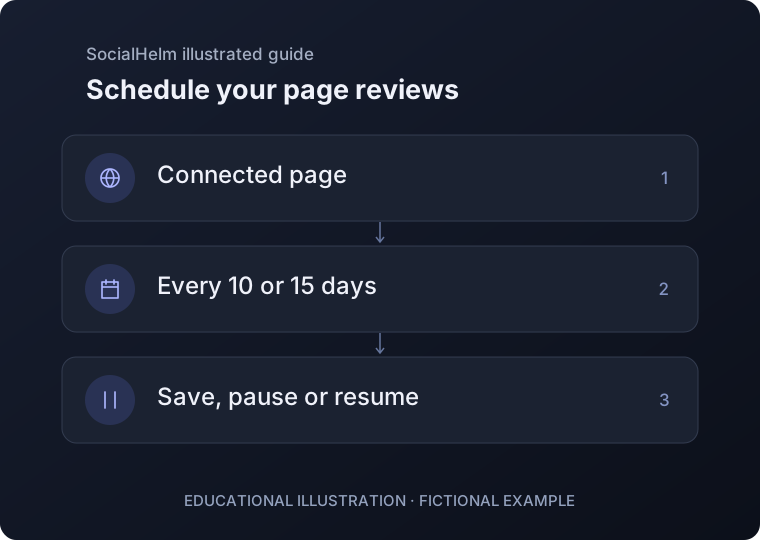
Open automatic reviews within the official insights section. Confirm the page and the latest saved settings.
Choose the interval
Choose every 10 or 15 days. Select Enable automatic reviews or Save new interval; the choice is not saved until the server confirms it.
Check, pause or resume
Review the next due time and latest available result. Pause automatic reviews when needed; resume through the same panel and refresh the settings.
Business · Automatic reviews