 SocialHelm
Choose your language
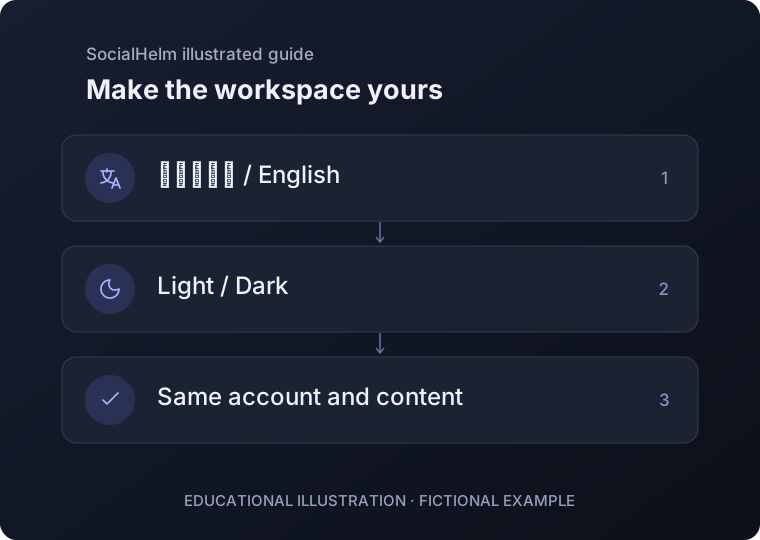
Use the language control to switch between فارسی and English. Navigation and labels change while you stay in the same workspace.
Choose light or dark
Use the appearance control to change the app theme. The saved device preference is restored when the app opens again.
Review content language separately
A draft or business profile has its own language choice. Switching the interface does not translate existing content or change your account ownership.
App header · Language and appearance