 SocialHelm
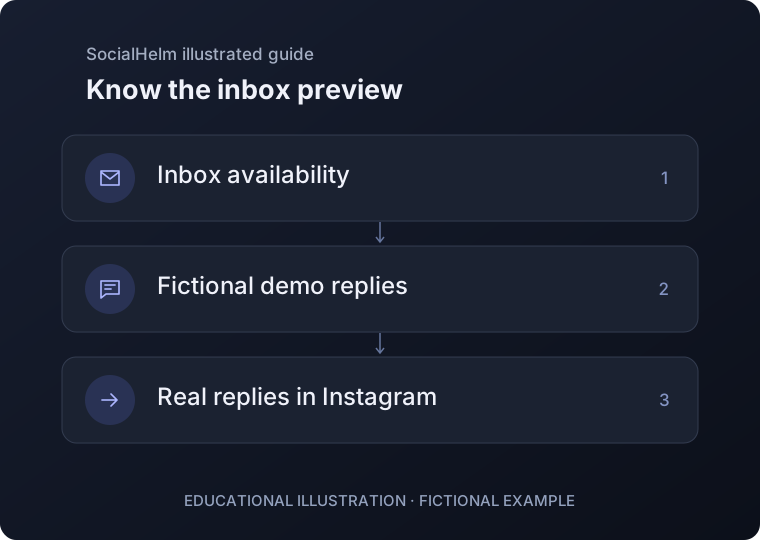
Check receiving availability
Open Inbox for the intended connected account. Incoming messages require the message permission, an enabled service and explicit activation. A connection alone does not establish a working inbox.
Read the current result
Where available, refresh the authorized inbox and review its current conversations. In a separate demo, all sample messages and suggested replies are fictional. An unavailable or unknown result is not an empty inbox.
Keep outgoing replies in Instagram
Continue sending actual replies in Instagram. Outgoing message delivery and automatic replies are not enabled in this beta; viewing or saving a rule does not send one.
Inbox