 SocialHelm
Open your private image library
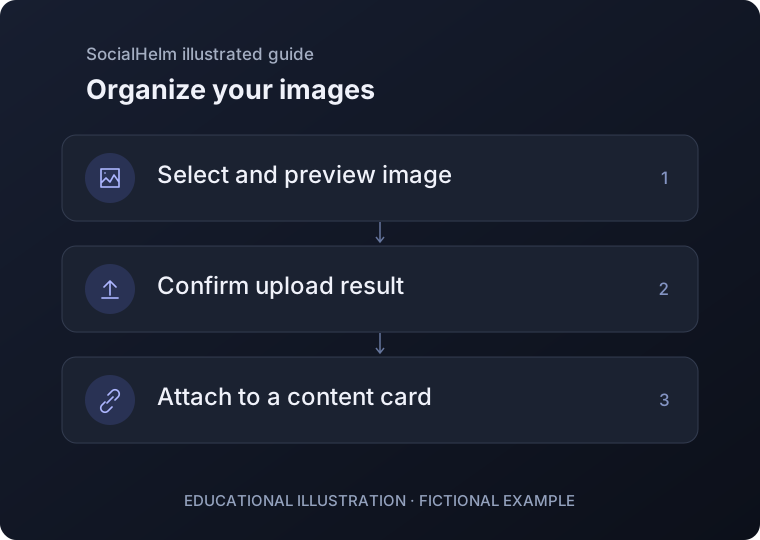
In Content, select Media. Choose a supported image from your device and review its preview, format and size before uploading.
Confirm the upload
Wait for the saved result. If the response is interrupted, check that upload or refresh the library before adding the same file again.
Attach or replace an image
Open a content card and select an image from the library. To delete an image that is in use, remove or replace its attachments first.
Content · Media