 SocialHelm
Choose the action you need
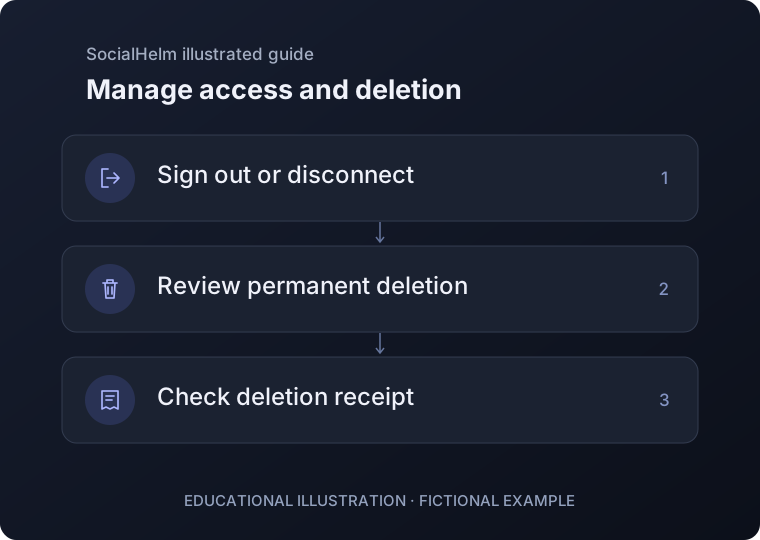
Signing out ends access in the current environment. Disconnecting Instagram removes its saved SocialHelm connection and access credentials; it does not delete your Instagram account or revoke access at Meta. Remove Meta access separately in Instagram’s Apps and websites controls.
Review permanent deletion
In Business, open your account panel and choose account deletion. Get a fresh email verification code if needed, read the deletion scope and confirm explicitly. This deletes active SocialHelm account and workspace records and closes their sessions.
Check the deletion receipt
Check the confirmed result after deletion. If the response is interrupted, recover the same request before retrying; an unknown result is not completion. File cleanup can finish later. If you cannot access your account, contact info@sysaiq.com for help.
Business · Your account