 SocialHelm
Open the private preview
Use the installed SocialHelm preview provided for your test. Public App Store installation is not available yet. Open Business and the account panel.
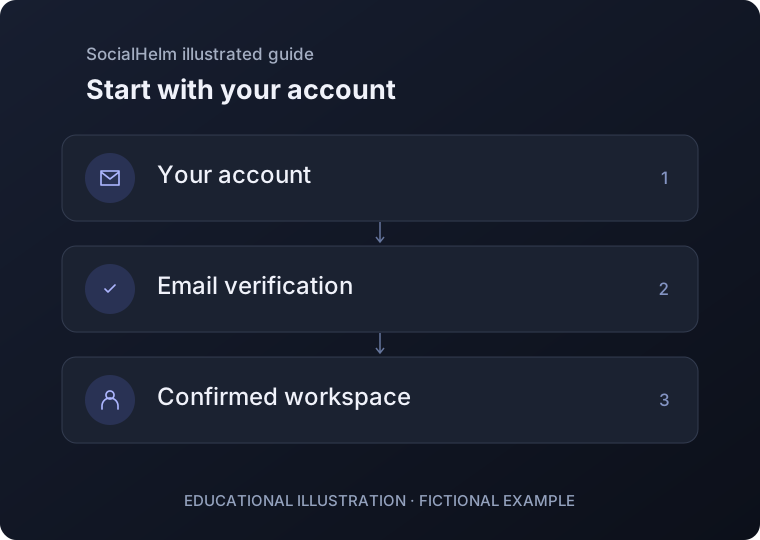
Verify your email
Enter an email you can access, request a code, and enter the newest code. Review the private-test terms and data notice before accepting them. Never share your code.
Check your workspace
After sign-in, refresh your account to see the confirmed account and workspace. Your business information and saved content belong to this account.
Business · Your account