 SocialHelm
Prepare official sign-in
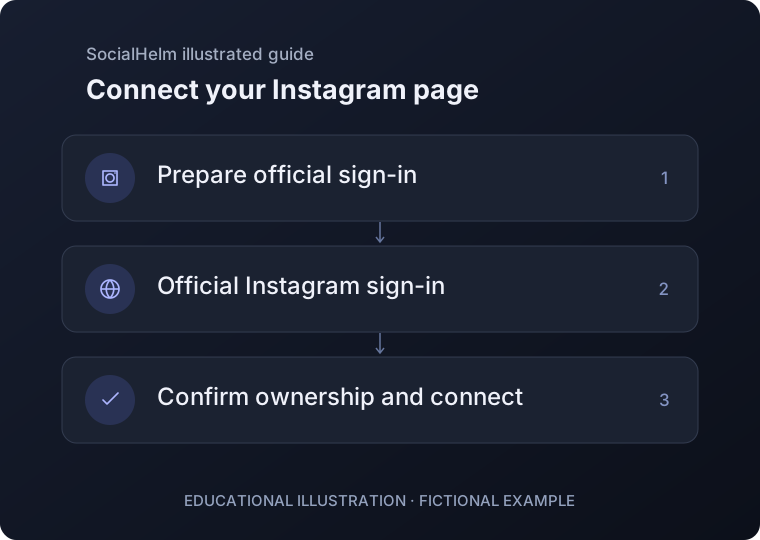
In Business, open Instagram connection and select Prepare official sign-in. Use a professional Business or Creator account you own or are authorized to manage.
Continue with Instagram
Select Open official Instagram sign-in. Complete sign-in and the permission step on Instagram’s official page. Return to SocialHelm and refresh the connection status.
Confirm your page
Review the returned username and account type. Choose Confirm ownership and connect only if this is the correct page. Otherwise cancel this attempt.
Business · Instagram connection