 SocialHelm
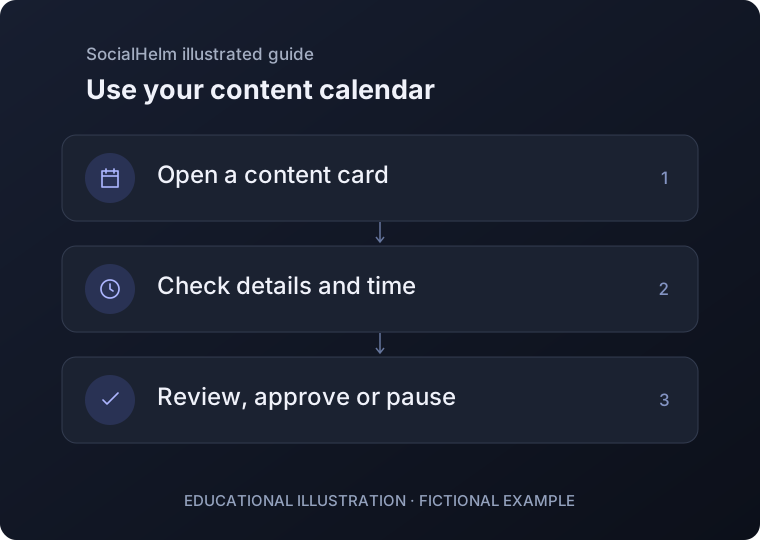
Open a content item
Use Today, Calendar or Content to open a task, or create a new post, story or reel card. Items belonging to a plan are edited through that plan.
Check text, image and timing
Review the title, caption, format, image and date/time. Check the displayed time zone before saving, especially when planning across locations.
Control the next step
Save your changes and review the item’s status. Approve a complete version or pause it. Editing previously approved work may require another approval.
Today · Calendar · Content