 SocialHelm
Create or open a plan
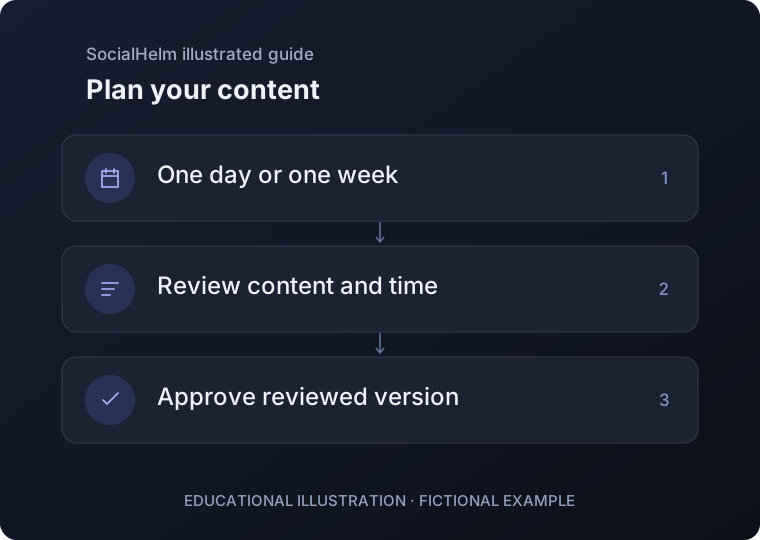
Open Content and select Plans. Create a plan for a day or week, or open a saved plan to continue. Give it a clear purpose.
Review the content cards
Check each card’s title, format, text, scheduled time and any missing information. Add or edit items before approving the plan.
Approve the reviewed version
Approve only the complete version you reviewed. Later changes can require approval again. Use the calendar to inspect planned items and pause work when needed.
Content · Plans