 SocialHelm
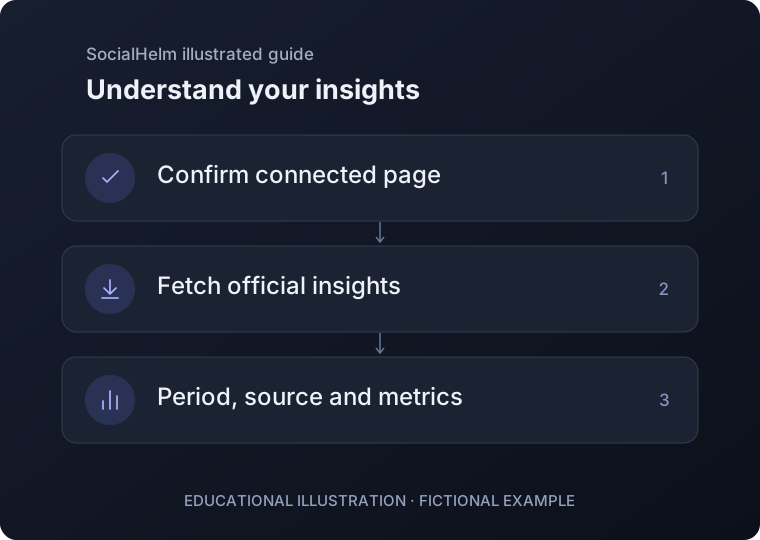
Check the connected page
Confirm the correct Instagram page before requesting a report. Open the insights section and select the available review interval.
Fetch or reopen a report
Fetch new official insights when you need an update. To read an existing report without collecting another one, use Check saved report or Report history.
Read the period and metrics
Review the date range, retrieval time and available metrics. Compare matching periods when available. A missing metric is not a zero; one report alone does not establish growth.
Business · Instagram insights